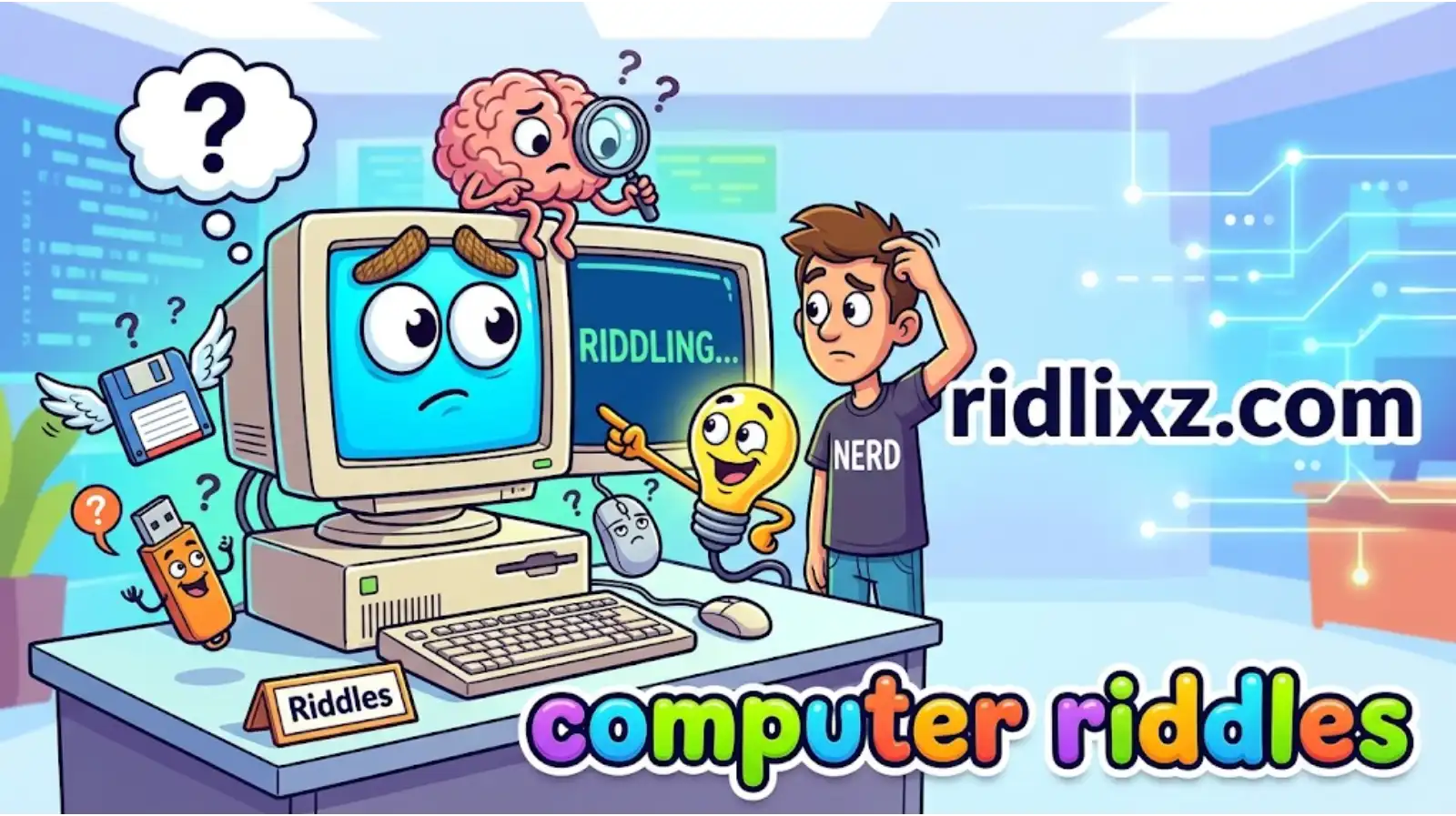
Computer riddles turn everyday technology into a fun challenge for your brain. From keyboards and mice to passwords, programming, and the internet, computers are full of familiar tools that become surprisingly tricky when described through clever clues. Can you figure out an object from the sound it makes, the job it performs, or the problem it solves?
This collection of computer riddles includes easy questions for kids, funny technology puzzles, challenging IT brain teasers, and wordplay for anyone who spends time on a computer. Whether you’re a student learning basic computer skills, a teacher planning a classroom activity, or a tech enthusiast looking for a fresh challenge, there’s something here to enjoy.
Every riddle comes with an answer, but don’t rush to peek. Read each clue carefully, make your best guess, and then check your solution. You can even challenge a friend to see who knows more about technology.
Ready to put your computer knowledge to the test? Let’s see whether your brain runs faster than your machine!
💡 Did You Know? Computer Facts
- The computer mouse got its name from its shape. Early mouse designs had a body and a cord that could resemble a small mouse with a tail.
- Binary uses two digits. At its simplest, binary represents values using 0 and 1, a system widely used in digital computing.
- A computer’s CPU is often called its brain. It executes instructions and performs calculations, although a computer relies on other components, too, to store data and handle input and output.
🎯 Riddle of the Day
- I have keys but open no doors,
I help your thoughts appear on a screen.
Press my buttons to write a message,
and letters appear where you’ve never seen.
What am I?
Think you know the answer? Make your guess before reading below!
Answer: A computer keyboard.
Easy Computer Riddles for Kids
These simple computer riddles introduce familiar devices and basic technology concepts. They’re great for school activities, beginner computer lessons, or a quick guessing game at home.
- I have a screen but cannot watch a movie by myself.
I follow your commands and help you work or play.
What machine am I?Answer: A computer. - My buttons have letters, numbers, and signs.
Tap them to type your words one line at a time.
What am I?Answer: A keyboard. - I sit beside your computer and move when you do.
Click my buttons to select something on the screen.
What am I?Answer: A computer mouse. - I show pictures, words, and videos,
but I cannot keep them all when switched off.
Which computer part am I?Answer: A monitor. - I make a paper copy of your digital page.
Feed me paper, and I may produce a worksheet.
What machine am I?Answer: A printer. - I carry files from one computer to another,
yet I can fit inside a pocket.
What small device am I?Answer: A USB flash drive. - I connect your computer to other devices,
and I often let you hear music or game sounds.
What am I?Answer: Speakers. - I am a tiny picture you click to open a program.
I may look like a folder, a camera, or a game.
What am I?Answer: An icon.
Funny Computer Riddles
Technology can be serious business, but these computer jokes give everyday devices a silly personality. Share them with classmates, coworkers, or anyone who enjoys a good tech pun.
- Why did the computer visit the doctor?
It was feeling a little under the weather.
What was wrong with it?Answer: It had a computer virus. - Why did the keyboard get invited to every party?
It always knew how to make an impression.
What made it popular?Answer: It had plenty of keys to the fun. - Why did the computer sit near the window?
It wanted a better connection with the outside world.
What was it looking for?Answer: A stronger signal. - What did the mouse say after winning a race?
“I clicked with the competition!”
What computer device made the joke?Answer: A computer mouse. - Why did the laptop bring a blanket to work?
It had heard the office was full of cold calls.
What was the joke about?Answer: Cold calls and staying warm. - Why did the computer refuse to gossip?
It didn’t want to spread anything without permission.
What was it trying to avoid?Answer: Spreading rumors like a computer virus. - Why did the printer get annoyed at the computer?
It kept giving it too many paper assignments.
What was the printer upset about?Answer: Having too much printing to do. - Why did the computer take a nap?
It needed a little time to reboot its energy.
What was it doing?Answer: Restarting.
Keyboard and Mouse Riddles
These puzzles focus on the two input devices many people use every day. Look for clues about typing, clicking, moving, and selecting.
- I have a space bar,
but I cannot send a rocket into space.
Press me to separate words. What am I?Answer: A keyboard. - I can move a pointer across a screen,
but I never leave the desk on my own.
What device am I?Answer: A computer mouse. - I have a key called Enter,
but I don’t walk into any room.
What am I part of?Answer: A keyboard. - One click can select,
two quick clicks may open a file,
and dragging can move an item. What am I?Answer: A computer mouse. - I erase a character to the left,
but I don’t use a pencil or rubber.
Which key am I?Answer: The Backspace key. - I make capital letters while you hold me,
and I can change how another key behaves.
Which key am I?Answer: The Shift key. - I have a wheel you can roll,
helping a long page move up or down.
Which mouse feature am I?Answer: The scroll wheel. - I let you select everything in many programs,
using a shortcut that often pairs me with A.
Which key am I?Answer: The Ctrl key on many Windows and Linux systems.
Computer Hardware Riddles
Can you identify the physical parts inside or around a computer? These clues cover hardware that helps a computer process information, display results, and store files.
- I perform instructions and calculations,
helping the computer run its programs.
What component am I?Answer: The CPU (central processing unit). - I hold information even when the power is off,
keeping files ready for another day.
What kind of component am I?Answer: Long-term storage, such as an SSD or hard drive. - I help the computer work with temporary data,
but my contents are generally lost when power stops.
Which component am I?Answer: RAM (random-access memory). - I turn digital documents into paper,
adding ink or toner to a physical page.
What machine am I?Answer: A printer. - I capture light and turn it into digital images,
letting you join video calls or record a clip.
What device am I?Answer: A webcam. - I take your voice and send it into a computer,
so it can be recorded or heard on a call.
What am I?Answer: A microphone. - I keep the computer from getting too hot,
moving air across components that generate heat.
What part am I?Answer: A cooling fan. - I connect parts of a computer and let them communicate,
providing slots and connections for key components.
What am I?Answer: The motherboard.
Internet and Networking Riddles
These riddles explore how computers connect, exchange information, and find resources online. Think about the services and devices that help messages travel from one place to another.
- I connect your device to a network without a cable,
using radio waves to send and receive data.
What technology am I?Answer: Wi-Fi. - I help direct data between networks,
sending it toward the right destination.
What device am I?Answer: A router. - You type my address into a browser,
and I can take you to a page full of information.
What am I?Answer: A website. - I help you find pages about a topic,
sorting through information across the web.
What service am I?Answer: A search engine. - I travel through a network as a small unit of data,
carrying part of a larger message.
What am I?Answer: A data packet. - I let you send a written message across the internet,
often with files attached.
What service am I?Answer: Email. - I translate a website name into an address computers use,
helping your browser locate the right server.
What system am I?Answer: DNS (Domain Name System). - I am a collection of connected computers and devices,
sharing information and resources.
What am I?Answer: A computer network.
Software and App Riddles
Hardware is the physical equipment, but software tells a computer what to do. Solve these clues about operating systems, applications, and everyday digital tools.
- I manage memory, devices, and programs,
and help you interact with the computer.
What kind of software am I?Answer: An operating system. - I help you write, edit, and format a document,
turning your ideas into digital pages.
What type of program am I?Answer: A word processor. - I am a program for viewing web pages,
with tabs that let you keep several pages open.
What am I?Answer: A web browser. - I follow a set of instructions,
performing a task when you run me.
What kind of software am I?Answer: A computer program. - I help you arrange numbers into rows and columns,
and I can calculate totals with formulas.
What application am I?Answer: A spreadsheet program. - I let you create, organize, and open digital folders,
keeping your files easier to find.
What tool am I?Answer: A file manager. - I help protect a computer by checking for malicious software,
scanning files and warning about possible threats.
What type of program am I?Answer: Antivirus software. - I can be updated to fix bugs or add features,
but I am not a physical computer part.
What am I?Answer: Software.
Coding and Programming Riddles
These puzzles are for anyone curious about the logic behind apps, games, and websites. Some are beginner-friendly, while others require you to think like a programmer.
- I contain instructions written in a programming language,
telling a computer how to perform a task.
What am I?Answer: Source code. - I repeat a block of instructions,
sometimes until a condition changes.
What programming structure am I?Answer: A loop. - I make a decision based on whether a condition is true,
choosing one path or another.
What structure am I?Answer: An if statement. - I store a value under a name,
allowing a program to use or change it later.
What am I?Answer: A variable. - I am a mistake in a program,
and finding me may take patience and testing.
What am I?Answer: A bug. - I help programmers locate and fix problems,
checking how a program behaves as it runs.
What process am I?Answer: Debugging. - I accept input, perform a task,
and may return a result to the code that called me.
What programming building block am I?Answer: A function. - I turn code into a form that a computer can execute,
translating a program before it runs.
What kind of tool am I?Answer: A compiler.
Computer Security and Password Riddles
Security is an important part of using computers. These riddles cover passwords, encryption, malware, and the habits that help protect digital information.
- I should be difficult to guess,
yet easy for you to manage safely.
I guard access to your account. What am I?Answer: A password. - I scramble readable information into a protected form,
and a suitable key can reverse the process.
What am I?Answer: Encryption. - I pretend to be trustworthy,
hoping you’ll reveal private information.
What kind of online attack am I?Answer: Phishing. - I am harmful software designed to disrupt, spy,
damage systems, or gain unauthorized access.
What am I?Answer: Malware. - I provide a second check when you sign in,
so a password alone may not be enough.
What security method am I?Answer: Multi-factor authentication. - I make a separate copy of important files,
so you can recover them after loss or damage.
What am I?Answer: A backup. - I watch network traffic and apply security rules,
blocking some unwanted connections.
What am I?Answer: A firewall. - I help you manage many strong, unique passwords,
storing them in a protected digital vault.
What tool am I?Answer: A password manager.
Hard Computer Brain Teasers
Ready for a tougher round? These computer riddles focus on concepts rather than obvious devices. Read every clue carefully before deciding on an answer.
- I am measured in bits,
and eight of me commonly make one byte.
What am I?Answer: A bit. Eight bits make a byte in modern computing conventions. - I can hold a program’s current working data,
but I usually forget it when the power goes off.
What kind of memory am I?Answer: Volatile memory, such as RAM. - I let one computer imitate another system,
creating an isolated environment for software.
What technology am I?Answer: A virtual machine. - I help multiple tasks share processor time,
switching between them so they can make progress.
What operating-system concept am I?Answer: Multitasking or time-sharing. - I compare two values and produce a result of true or false,
helping a program decide what to do next.
What kind of expression am I?Answer: A Boolean expression. - I am a unique numerical address used to identify a device’s network interface on a local network.
I am often written as pairs of hexadecimal digits.
What am I?Answer: A MAC address. - I can detect whether data has changed,
but I am not necessarily designed to hide it.
What kind of value might I be?Answer: A checksum or hash, depending on the method used. - I store data in a way that can be searched efficiently,
using structures such as tables, indexes, or trees.
What system am I?Answer: A database.
Computer Wordplay Riddles
The last set uses computer terms in clever ways. Some clues rely on a word’s everyday meaning, while others point to its specific role in technology.
- I can be clicked on a screen,
but I can also mean a small picture that represents a program.
What am I?Answer: An icon. - I can be a place for documents in an office,
or a digital container for files.
What am I?Answer: A folder. - I can be a physical key you press,
or a piece of information used to unlock encrypted data.
What word am I?Answer: Key. - I can mean a program’s error,
or a small insect in the natural world.
Which computer-related word am I?Answer: Bug. - I can mean a small rodent,
or the device that moves a pointer on your screen.
What am I?Answer: A mouse. - I can be a cloud in the sky,
or a way to use computing resources over the internet.
What am I?Answer: The cloud. - I can be a place to keep old items,
or a computer location where deleted files may wait before permanent removal.
What am I?Answer: The Recycle Bin on Windows. - I can mean a short pause,
or the act of temporarily stopping a running program or process.
What word am I?Answer: Pause.
How to Use Computer Riddles for Games and Learning
Computer riddles are easy to adapt for classrooms, family activities, technology clubs, and office icebreakers.
- For kids: Start with the keyboard, mouse, monitor, and printer riddles to reinforce basic computer vocabulary.
- For classrooms: Let students write their own clues about hardware or software after learning each term.
- For coding clubs: Use the programming section as a warm-up before a lesson or coding challenge.
- For parties: Read the riddles aloud and give everyone a few seconds to guess before revealing the answer.
- For remote teams: Share one riddle in a group chat and invite coworkers to submit their guesses.
- For personal practice: Cover the answers and try solving each puzzle without help, then review the ones you missed.
To make the game more challenging, ask players to explain which clue led them to the answer rather than simply guessing the right word.
FAQs:
What are computer riddles?
Computer riddles are puzzles that use clues about computers, technology, software, hardware, or digital concepts to challenge the solver.
Are computer riddles suitable for kids?
Yes, simple riddles about keyboards, mice, monitors, and printers can help children learn basic computer vocabulary in an enjoyable way.
What are some difficult computer riddles?
Hard computer riddles often involve concepts such as binary, memory, programming logic, networking, and cybersecurity.
Can computer riddles help students learn?
Yes, they can reinforce technology vocabulary and encourage students to recall concepts, interpret clues, and explain their reasoning.
How can I create my own computer riddle?
Choose one computer part or concept, identify a distinctive feature, and turn that feature into a short clue with one clear answer.
What is the difference between computer hardware and software?
Hardware refers to the physical components of a computer, while software consists of the programs and instructions that run on it.
Conclusion:
From easy keyboard puzzles to challenging clues about programming, networking, and cybersecurity, these computer riddles offer a playful way to explore the technology we use every day. Try them with friends, bring a few into the classroom, or use the harder questions to test your own IT knowledge. You might even discover a computer concept worth learning more about. Which riddle made you stop and think? Share your favorite with a friend, challenge them to beat your score, and see who earns the title of tech puzzle champion!
